File parser

Open Bruker RAW XRD files in the browser.

Upload Bruker RAW diffraction files, recover scan metadata, plot the pattern and move directly into peak detection, phase matching and export.

.raw

Support for common Bruker RAW diffraction exports.

Metadata

Preserve scan range, step size, points and wavelength when available.

Next step

Continue from file viewing to evidence-based XRD analysis.

What it does

Built around scientific evidence.

More than a file opener

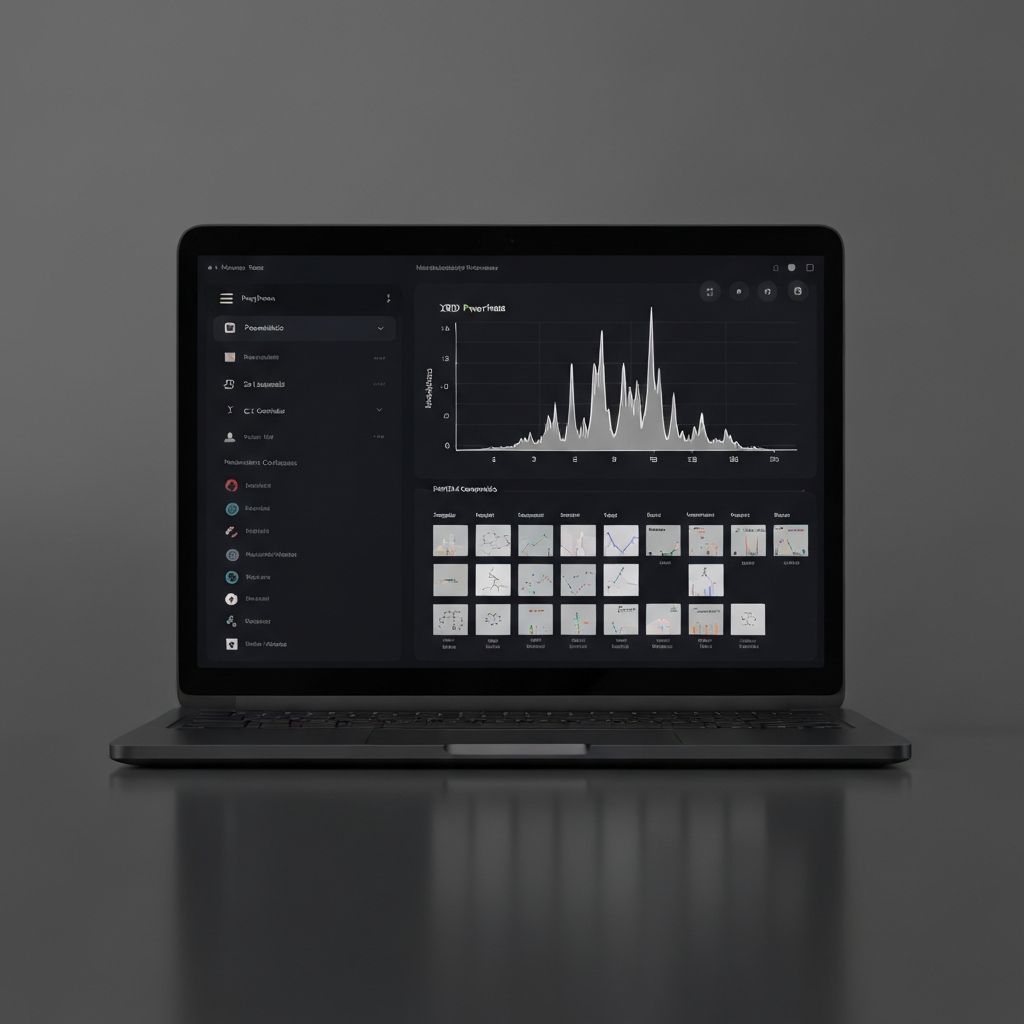
A raw file viewer solves only the first problem. SciPhys turns the parsed pattern into an analysis-ready run with sample context, peaks, phase evidence and export tools.

  • Plot the measured intensity against 2 theta.
  • Extract instrument metadata when the file contains it.
  • Keep the parsed run connected to project and sample fields.

Designed for messy instrument exports

Instrument files vary across software versions and export settings. SciPhys keeps parser errors explicit and supports fallback workflows through xy, csv, txt and xrdml exports.

  • Detect unsupported variants instead of silently producing bad plots.
  • Preserve enough scan information for later review.
  • Guide users toward analysis-compatible exports when needed.

From RAW file to publishable figure

After parsing, the same run can be used for publication-style plotting, phase identification, refinement diagnostics and report export.

  • Adjust plot styling for paper figures.
  • Overlay reference sticks and phase labels.
  • Export figure data and analysis summaries.
Workflow

From raw files to research decisions.

01

Drop file

Upload a Bruker RAW file or supported ASCII diffraction export.

02

Parse

Recover scan points and metadata into a structured run.

03

Analyze

Detect peaks, match phases and export the result.

FAQ

Questions researchers ask first.

Can SciPhys open every Bruker RAW variant?+

SciPhys supports common Bruker RAW diffraction files and keeps improving parser coverage. If a file variant is unsupported, exporting xy, csv, txt or xrdml from the instrument software is the safest fallback.

Does SciPhys keep the original file?+

The workspace is designed to keep the original upload connected to parsed metadata, analysis results and lab context.

Can I identify phases after opening a RAW file?+

Yes. Once the diffraction pattern is parsed, the run can continue into peak detection, phase identification, refinement review and figure export.